
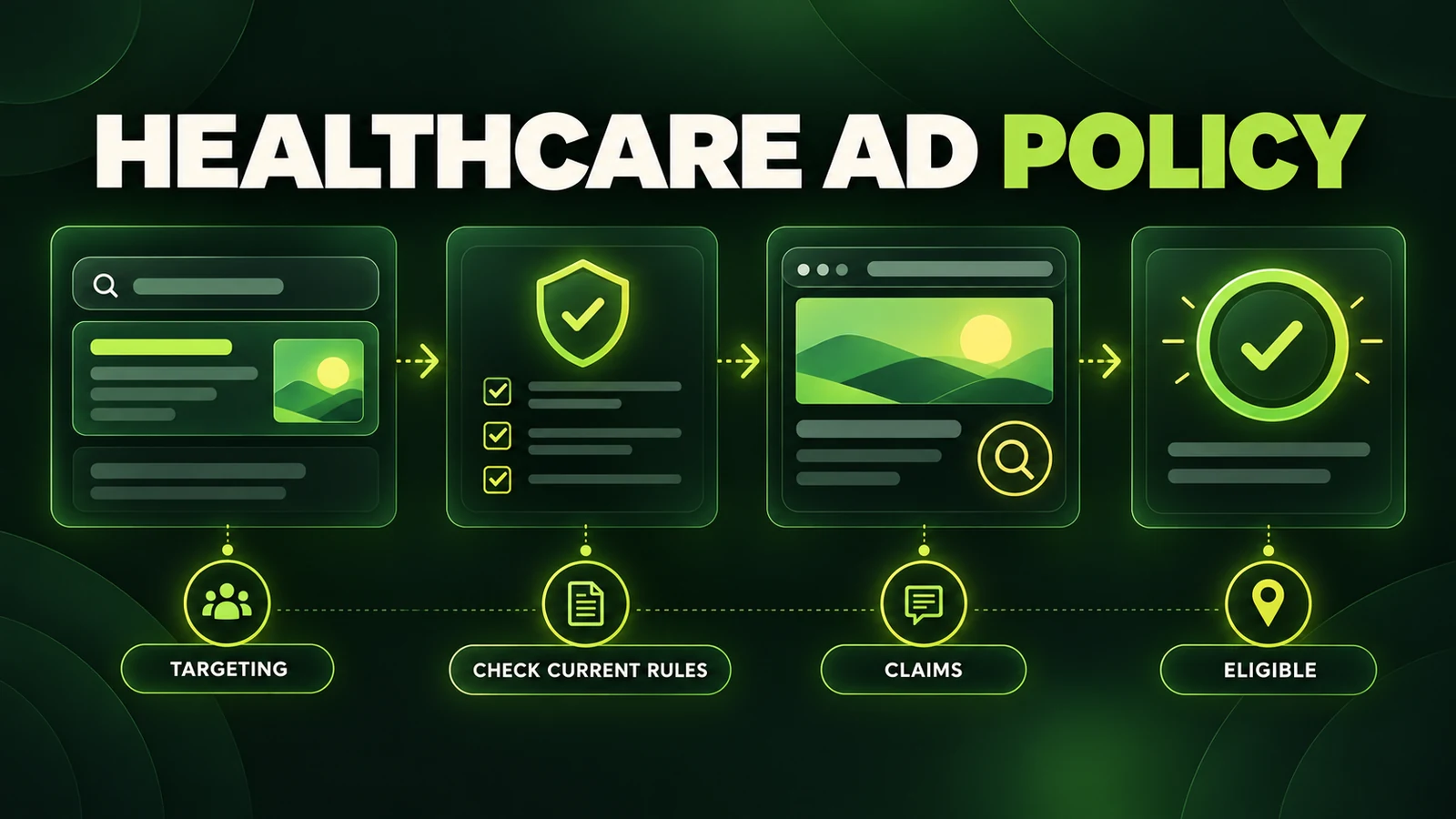
The short answer: clinic ads are reviewed as a complete system
Google Ads healthcare policy for clinics is not one checklist. Google reviews the ad, assets, keywords, targeting, destination, services, business model and target location. A clinic may be allowed to advertise a consultation while being unable to promote a particular prescription service, use a restricted drug term or build an audience from sensitive health activity.
Start by identifying the exact product or service and every country targeted. Then review four policy layers: healthcare and medicines, personalized advertising, claims and misrepresentation, and destination requirements. Do not try to solve a policy label only by changing one headline when the landing page or business model is the real issue.
Policies change. This guide was reviewed against Google's published rules on October 14, 2026. Check the current policy and location-specific requirements before every launch or appeal. This is marketing guidance, not legal, medical or regulatory advice.
For niche-specific context, see our guides to Google Ads for hormone therapy clinics and Google Ads for weight-loss clinics. This article focuses on the reusable policy-review process rather than repeating those service-specific sections.
1. Separate the four policy layers
| Policy layer | What it reviews | Typical clinic question |
|---|---|---|
| Healthcare and medicines | Products, services, drug terms, certification and location | Is this service permitted here, and is approval required? |
| Personalized advertising | Use of audiences for sensitive health promotion | Can this visitor or customer list be used for targeting? |
| Claims and misrepresentation | Accuracy, identity, offer and likely outcomes | Does the total message imply a cure, certainty or unavailable offer? |
| Destination requirements | Functionality, crawlability, relevance, navigation and domain | Can AdsBot access a useful page that matches the ad? |
These layers overlap. Removing an audience will not resolve an unauthorized prescription service, and certification will not rescue a broken page. Diagnose the policy named in the account before editing.
2. Determine whether healthcare certification applies
Google's healthcare and medicines policy lists content that is prohibited and content allowed only with limitations. Requirements differ by location and category. Prescription drug services, online pharmacies, some telemedicine providers, addiction services, health insurance and other regulated businesses can have separate certification routes.
Not every clinic automatically needs healthcare certification. A practice advertising an in-person consultation may fall outside a certification category, while a telemedicine flow that appears to facilitate online prescribing may be reviewed differently. Google states that it considers the ad, website or app and the products or services offered, and that it applies particular caution to pages that appear to facilitate online prescribing, dispensing or medicine sales.
Use this certification review
- Write the exact service being advertised, without a broad label such as “wellness.”
- List every targeted country or region.
- Review the current healthcare category and its location-specific table.
- Check whether third-party accreditation is required before the Google application.
- Apply at the correct account level with the correct customer ID and domain.
- Keep the licensed entity, advertiser, domain and application documentation consistent.
Do not apply for a certification category that does not match the clinic's model. If the application is rejected, read the stated reason, audit the whole domain for in-scope language or services, correct genuine issues and respond through the documented route.
Restricted drug terms are a separate check
Google restricts prescription drug terms in ads, landing pages and keywords. Permission depends on the advertiser type and target location. A clinic should inspect navigation, FAQs, practitioner pages and linked booking flows, not just the final ad copy. One term elsewhere on the destination can change how the business is classified.
3. Treat health audience targeting as sensitive
Google classifies personal health content as a sensitive interest category. Its current policy says advertiser-curated audiences are not supported when promoting covered sensitive interests. The examples include Customer Match, your data segments, audience expansion and lookalike segments. Predefined Google audiences may be available because Google says sensitive user signals are excluded, but format and category conditions still apply.
This distinction matters: a clinic may be able to run a keyword-led Search campaign without being allowed to retarget everyone who visited a condition or treatment page. Installing a tag does not grant permission to use every audience it creates.
A conservative setup for a clinic launch
- Use service-relevant search keywords and permitted geographic targeting.
- Remove advertiser-curated audiences if the policy label identifies sensitive health personalization.
- Do not upload patient, lead or customer lists merely because Customer Match is available in the interface.
- Do not use a negative audience as a workaround for positive personalization.
- Review Demand Gen, Display, YouTube and custom-segment rules separately from Search.
- Keep protected health information and unnecessary personal data out of ad-platform events and URLs.
Our comparison of Google Ads vs Meta Ads for functional medicine clinics explains why search intent can be a cleaner starting hypothesis than building a health-related remarketing funnel. For the separate legal and data-flow review, see HIPAA and Google Ads remarketing for clinics.
4. Write accurate claims without diagnosing the viewer
Policy-safe copy begins with an accurate service, practitioner and next step. It should not imply that Google or the clinic knows the viewer has a condition. It should not guarantee a cure, diagnosis, ranking, weight change, hormone result or other outcome that depends on the individual.
| Risk to review | Better drafting principle |
|---|---|
| Guaranteed or improbable outcome | Describe the consultation, care model and verified process |
| Implied knowledge of the viewer's health | Use service-led language rather than personal diagnosis |
| Credential or affiliation ambiguity | Name the clinic and practitioner qualifications accurately |
| Unavailable offer or hidden condition | Make eligibility, price context and the next step clear |
| Ad promises more than the page | Match the headline, service, location and destination content |
Words are evaluated in context. A restrained headline can still lead to a page full of cure language. A disclaimer does not cancel the main impression. Review testimonials, page titles, pop-ups and booking copy in the same audit.
5. Audit the landing page and the whole destination
Google says destinations must be functional, useful, crawlable, accessible in the targeted location and easy to navigate. The display and final domains must match correctly, and redirects or tracking templates must still reach the declared destination.
Before submission, check:
- the final and expanded URLs return HTTP 200 for normal users and Google AdsBot;
- the page works on common mobile and desktop browsers;
- the ad, page title, primary heading and offered service are consistent;
- the business identity, contact route, practitioner and service area are clear;
- the page contains useful original information rather than acting only as a bridge;
- pop-ups or interstitials do not obstruct the requested content;
- the phone number is active, relevant and appropriate for the target country; and
- navigation, footer links and booking pages do not introduce contradictory claims or restricted services.
A page can work for the clinic team while returning an error to AdsBot because of a firewall, region block or consent configuration. Test access from outside the staff network and verify every redirect.
6. Use a pre-launch policy workflow
- Inventory: record the service, delivery model, prescription involvement and target locations.
- Classify: identify applicable healthcare categories, restricted terms and certification requirements.
- Target: document keywords, locations and audience settings; remove unsupported sensitive personalization.
- Draft: write service-led copy with accurate credentials and no promised outcomes.
- Audit: review the full landing-page path, including booking tools, navigation and linked pages.
- Test: confirm URLs, forms, calls and approved clinic conversion tracking.
- Submit early: Google says most ads are reviewed within one business day, but complex reviews can take longer and edits restart review.
- Record: save the policy label, affected item, submitted version and review outcome.
Policy review is not a one-time launch task. Recheck after a new service, new country, major page rewrite, domain change, audience change or policy update.
7. Fix a disapproval without creating an appeal loop
A disapproved ad cannot serve. Start in the Status or Policy details column and read the exact label. Identify whether the affected object is an ad, asset, keyword, destination, audience, campaign or account. Then inspect every item covered by that decision.
- Open the linked policy and location details.
- Document what Google reviewed and what changed since the last eligible version.
- Fix the underlying issue across the relevant ads and pages.
- Choose Made changes to comply when you changed the setup, or Dispute decision when you believe the label is wrong.
- Submit the affected scope, then track it in Policy Manager.
Google currently documents an appeal limit of three per ad and advises waiting at least 24 hours between appeals for the same ads or campaigns. Repeated appeals can be treated as duplicates, and misuse can suspend appeal processing. If a corrected appeal fails, follow the current support instructions rather than repeatedly pressing submit.
Do not make random wording edits merely to trigger another review. That can obscure the root cause and restart the review clock without making the campaign compliant.
8. Understand “Eligible (limited)”
Eligible limited is not the same as disapproved. It generally means the ad can serve under policy conditions, such as certain locations, networks, audiences or formats. For certified healthcare advertising, limited eligibility may be the correct status.
Open the policy details before appealing. If the label correctly reflects a regulated category, the task may be to confirm permitted coverage rather than chase unrestricted status. If the ad is incorrectly classified, use the documented appeal route and explain why the promoted service falls outside the category.
9. Clinic healthcare-ad policy checklist
- The advertised service and business model are written down precisely.
- Current rules have been checked for every target location.
- Required accreditation and Google certification are active for the correct domain.
- Restricted drug terms have been reviewed across ads, keywords and the site.
- Advertiser-curated audiences are not used for covered sensitive health promotion.
- Copy avoids implied diagnosis, guarantees and unavailable offers.
- The landing page is useful, crawlable, mobile friendly and consistent with the ad.
- Forms and calls work, and conversion events do not expose sensitive information.
- Policy labels, decisions and submitted changes are documented.
- The team knows who will monitor reviews and handle appeals.
Frequently asked questions
Can clinics advertise on Google Ads?
Many can, but eligibility depends on the service, content, location, targeting and certification. Some healthcare content is prohibited and other content is allowed only with limitations.
Does every clinic need healthcare certification?
No. Certification applies to listed regulated categories and locations. Review the clinic's real delivery model and target market against the current policy.
Can a clinic remarket to website visitors?
Do not assume so. Health is a sensitive interest category, and advertiser-curated audiences are not supported for covered promotion. Check the current targeting table before using any audience.
What should a clinic do after a disapproval?
Read the exact policy label, find whether the cause is the ad, targeting or destination, fix the root issue and use the correct review or appeal reason.
What does Eligible limited mean?
The ad can serve only under certain policy conditions. Inspect the policy details to understand the permitted locations, formats, networks or audiences.
Build compliance into the campaign
Healthcare policy work is strongest when it starts before copywriting. Classify the service, verify the location, choose supported targeting, keep claims accurate and make the landing page easy to review. When a decision arrives, diagnose the named policy rather than searching for a cosmetic workaround.
Wellness Practice Marketing builds search campaigns and landing pages for functional and integrative clinics around current policy, useful tracking and qualified patient intent. If you want the account and destination reviewed before launch, book a strategy call.
This article provides general marketing education, not legal, medical or regulatory advice. Policies and local laws change. Review the current rules and obtain qualified advice for your clinic.
Authoritative sources
- Google Ads Policy: Healthcare and medicines
- Google Ads Policy: Prescription drug services and certification
- Google Ads Policy: Health in personalized advertising
- Google Ads Policy: Restricted targeting in personalized advertising
- Google Ads Policy: Misrepresentation
- Google Ads Policy: Destination requirements
- Google Ads Help: About the ad review process
- Google Ads Help: Fix a disapproved ad or appeal a policy decision